
Already Decided You Want to Work With Me? Here’s How to Hire Me on Upwork.
Maybe you saw one of my YouTube videos, visited my website, or somebody referred you to me. Now you’re thinking, “Clinton, I like what you do, but how in the world do I actually hire you?” You don’t have to post a public job and wait for 50 people to apply. You open my profile, click Hire, paste in the project details I send you, and send the offer. That’s it.
Who you’re hiring: Clinton Douglas IV, Vasrue Digital Media · Team size: just me · Where we work: my Upwork profile, start to finish
The walkthrough · 9 minutes
How to Hire Me Directly on Upwork
- 0:30 1. Open my profile
- 1:06 2. Add the project details
- 1:50 3. Share your files
- 2:23 4. Fixed price or hourly
- 3:23 5. The three phases
- 4:37 6. Review and send the offer
- 5:14 7. Why I work this way
- 5:54 8. What my clients say
Six steps from my profile to a sent offer
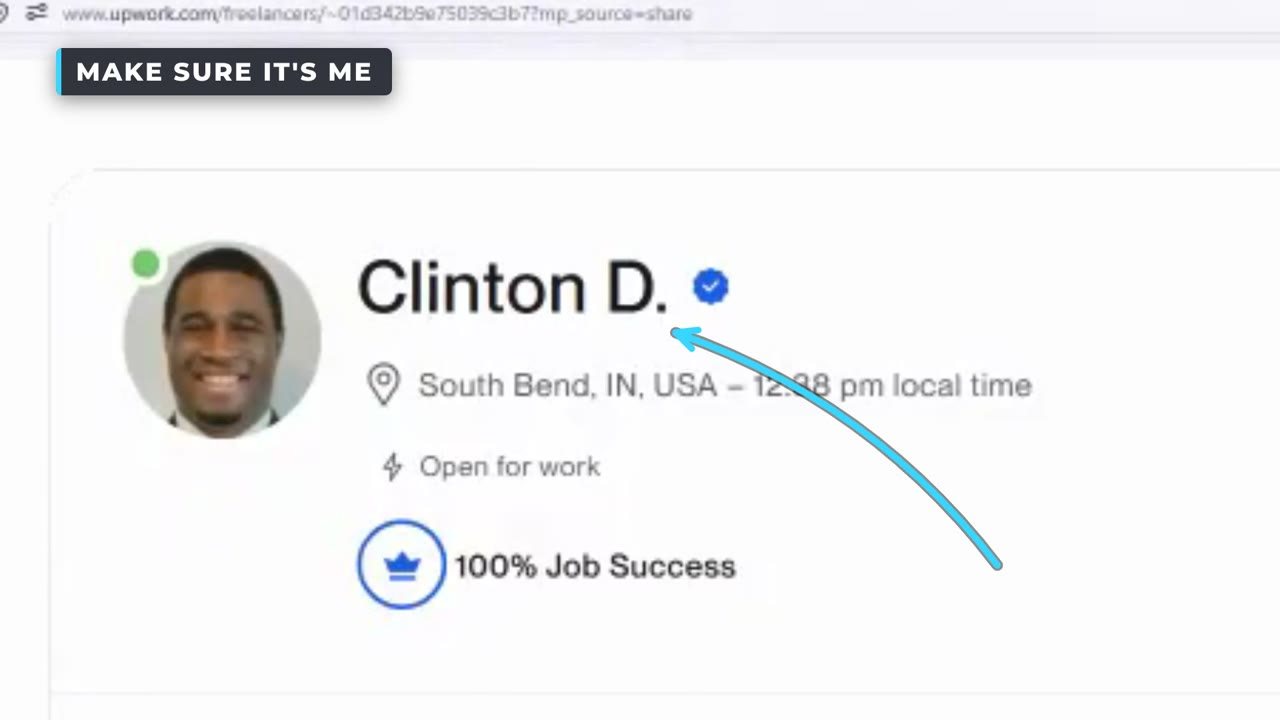
- Open my profileClick the profile link. Make sure you’re looking at Clinton Douglas IV, so the offer goes to the right person: me. If Upwork asks you to sign in or create a client account, follow those instructions and come back to the hiring screen.
- Click Hire and add the project detailsIf we’ve already talked about your project, I’ve done most of this homework for you. I send my clients a project title, a description of the work and the deliverables we agreed on. Copy the title into the title field, the description into the description field. You hired me to do the heavy lifting, not to give you more homework.
- Share your filesScripts, photos, brand assets and reference documents can go in as attachments where Upwork allows them. Video footage gets big fast and Upwork’s attachment limit is small, so for footage we use a shared Google Drive or Dropbox folder. Don’t have one? Just tell me, “Clinton, send me a place to upload my files.”
- Choose fixed priceFor most video editing and website projects I prefer fixed price. More on why below.
- Review the offerCheck the project amount, the work description, the milestones if we’re using them, and the dates we discussed. If Upwork shows additional platform charges, review those too. Upwork sets its own fees. For fixed-price milestones, follow Upwork’s instructions so the milestone is funded before I begin that work.
- Send me the offerI review it on my end, make sure it matches what we discussed, and accept it when everything is in order.
Why I prefer fixed price
Say we agree the work described in our contract costs $1,000. That’s an example, not a price list; your project’s terms are your project’s terms. It means we both know the budget and what I’m supposed to deliver before I begin.
If it takes me longer than I planned
As long as the work is inside the agreed scope, I’m responsible for finishing it. That’s on me, not your budget.
If I finish it efficiently
That’s good for both of us. You get the deliverable, and I move on to the next project.
Hourly contracts have their place, especially when the work is open-ended. But whenever possible, I want you to know exactly what you’re paying for.
Three phases, so you see it coming together
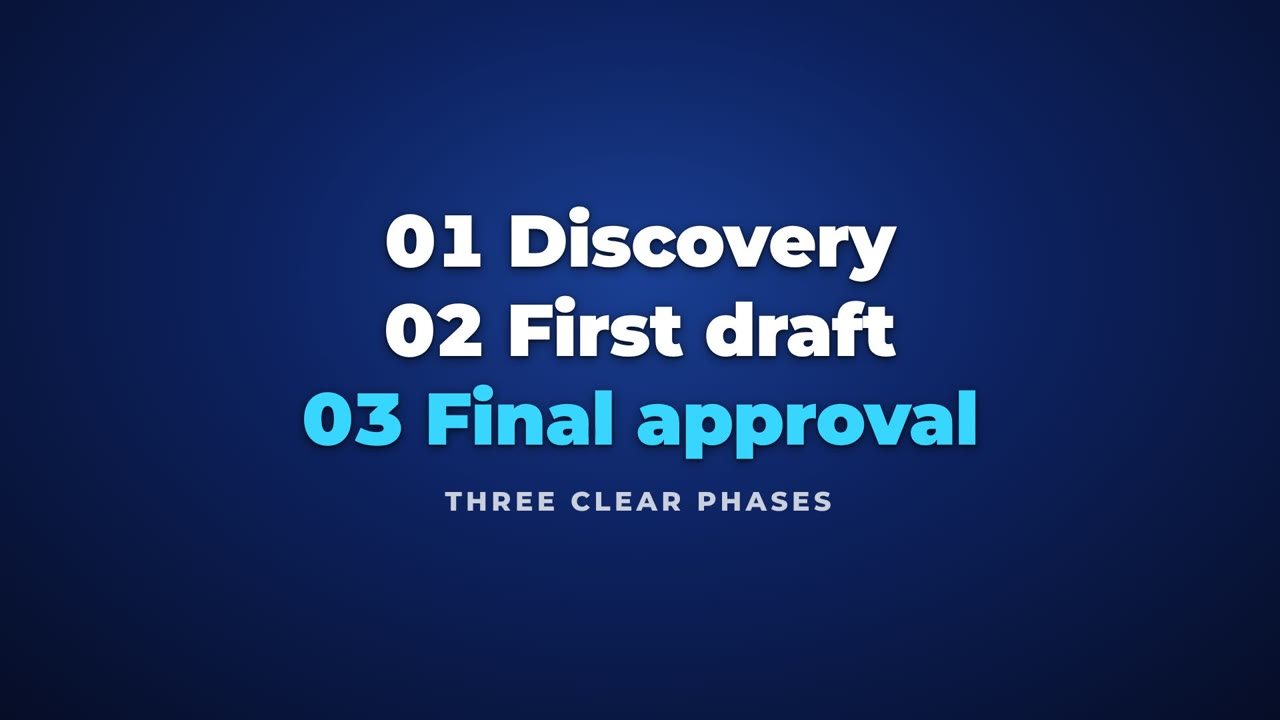
- DiscoveryWe talk about your vision, review your materials and get on the same sheet of music. The last thing I want to do is run 1,000 miles in the wrong direction with your project.
- First draftYou finally see the idea taking shape. You tell me what you like, what you don’t, and where we need to adjust. On a first project, that feedback teaches me how you think.
- Revisions and final approvalI go back to the scope of work and make sure every agreed deliverable is complete, with revisions handled according to the scope and terms we agreed on.
The three phases describe how the work runs. They don’t mean every contract has three paid milestones; the number and amounts of milestones are set to fit the agreed scope.
“I used to work in real estate doing fix and flips. I think about the final phase like getting the house ready for someone to move in. You pick up the nails, you clean up the mess, and you make sure everything we promised is ready for delivery.”
— Clinton Douglas IV
Why I work through Upwork
It gives us one place for the offer, the project details, the messages and the payment process. On a first project together, that matters. You’re trusting me with your footage, your money and your reputation, and I don’t take that lightly. If I edit a video for your business, it’s your face and your name on the channel.
My job is to understand what you want, communicate with you, and deliver the work we agreed on. And as we keep working together, the process gets easier, because I already understand your style and what success looks like for you.
What my clients say
In their own words, on camera.
“I presented him with a basic idea and he instantly expanded it into a strategy that could be taught to my students and, even better, that strategy can directly connect to revenue.”
— Ryan M.
“I gave him the most basic introductory information about my business and he came back with three different concepts, designs for the website.”
— Halima S.
Behind the walkthrough video
This page’s video is also a work sample: a fast-cut, talking-head explainer built the way I build them for clients. Desk footage, real screen recordings of every Upwork step, chapter cards, captions, the client testimonials, and a blooper reel at the end, because I’m human.
Filmed, written and edited by Clinton Douglas IV with AI-assisted editing and graphics tools. Upwork screens are shown as they appeared on October 23, 2026; labels, limits and fees can change, and what Upwork shows you on your screen is what applies. Testimonials are the clients’ own recorded words, quoted from their videos. Vasrue is not affiliated with or endorsed by Upwork.
Talking-head video editing, YouTube explainers, screen-recording walkthroughs, chapter and caption design, testimonial editing, audio mixing and mastering, sales-page copy.
Already decided? Send the offer.
Open my profile, click Hire, paste in the project details I sent you, and send it my way. If you get stuck anywhere along the way, reach out and I’ll figure out how to help you.